
Stop keeping your debtor book in your head
Invoice customers on credit, watch balances build and settle themselves, and see at a glance which accounts have gone past their terms.
The problem
The gap always closes in their favour
Wholesale runs on credit, and credit runs on records. In practice the record is often a book, a phone note, and whatever the person who handles that account can recall.
That holds together until it does not. A customer pays 200,000 against a balance nobody can break down. Two months later there is a disagreement about whether an invoice from March was settled, and neither side can prove it. Nobody ever misremembers a debt in your direction.
The other cost is quieter. Without a clear view of who is overdue, chasing happens when someone remembers rather than when an account crosses its terms. Money that should have come in six weeks ago sits with a customer who would have paid if asked.
How it works here
Invoices with real terms
Every invoice names a customer. Set terms of Due on Receipt, Net 15, Net 30 or Net 60, and the due date is worked out from the terms rather than typed in and forgotten.
Payment at issue is optional. Take all of it, part of it, or none. Goods go out and the invoice records what is owed.
A Manager or Admin can override a line price where a customer has a negotiated rate. That override replaces any standing discount on the line rather than compounding with it.
Overdue is worked out by the system, not set by hand. Any invoice past its due date with money outstanding is overdue, and it is marked in the list and picked up in the ageing report. A daily check finds newly overdue invoices and raises an alert. Pro and Enterprise accounts also receive those by email.
Payments
Money lands on the oldest invoice first, every time
Record a payment against the customer rather than against a specific invoice. It settles the oldest outstanding invoice, then the next, and part-settles whichever one it reaches last.
Nobody chooses otherwise. Not your staff, not you. The rule is the same on every payment on every account, which is what makes a balance defensible six months later.
The screen shows exactly which invoices the money will clear and by how much, before anything is confirmed. Every allocation is recorded, so a customer questioning their balance gets a breakdown instead of a disagreement.
Payments can be split across methods, cash and transfer on the same receipt, with the amounts summing to the total.
A payment larger than the total owed is rejected rather than sitting on the account as credit nobody can account for.
Credit is your call
No limit the software enforces
There is no credit limit setting, deliberately. Whether a customer can take goods on account is a commercial decision that depends on how long you have known them and what they are worth to you. Software does not have that context.
What the system does is show you the position clearly: what each customer owes, how old it is, and which invoices have gone past terms. The decision stays yours.
Counter trade too
For the ones who pay on the spot
Not every customer has an account. Checkout handles walk-in trade: scan or search, take payment, done. It is anonymous, must be paid in full and exactly, and prices cannot be altered by anyone at the counter.
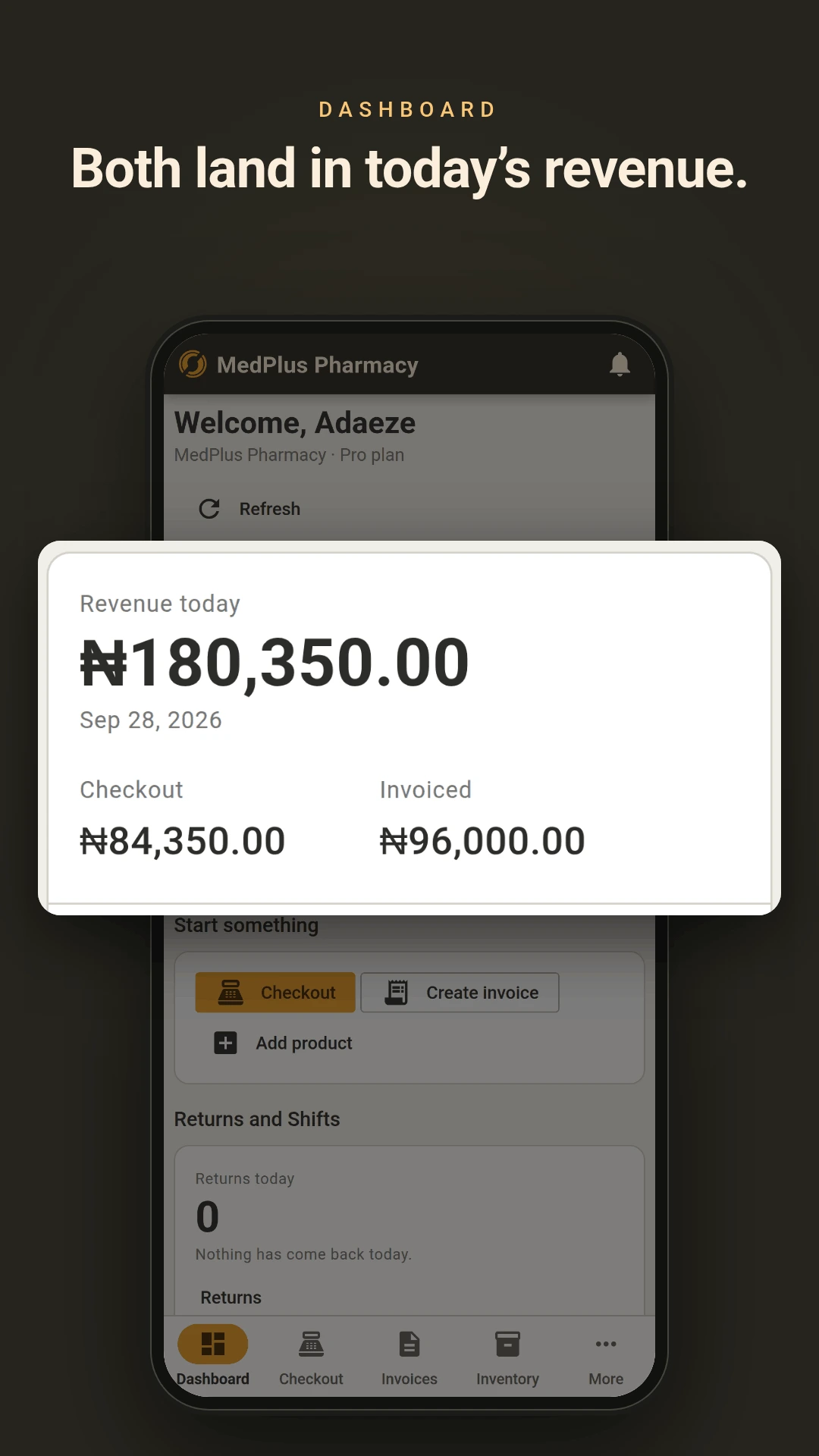
Both transaction types draw from the same stock and the same product list, and both feed the same reports. Choose per sale rather than per business.
Buying side
Purchases, cost and what you actually make
Raise purchases against vendors and receive them in full or in part, leaving the remainder outstanding. Average cost recalculates per branch on every receipt, so your cost basis reflects what you actually paid across deliveries rather than the price on the last one.
Vendor payments are recorded against the specific purchase they settle. A daily check flags vendor payments coming due.
Also included
- Stock held per branch, with transfers between locations and confirmation at the receiving end
- Stock cannot go below zero on any transaction type
- Returns against a sale or invoice, full or partial, reducing the customer's balance where the invoice was unpaid or part-paid
- Batch and expiry tracking where you need it, with earliest-expiring stock deducted first
- Reports on sales, stock valuation, purchases, branch comparison, staff performance and invoice ageing, exporting to CSV or PDF
- Every change recorded against the person who made it
- Up to 10 branches on Enterprise, 2 on Pro
Put your three biggest accounts in first
The free plan covers 10 customers and 50 products. That is enough to run your largest accounts through it for a month and see whether the balances come out right.