
Several tills, several staff, one stock figure
Barcode checkout that keeps up with a queue, shifts that close with a payment breakdown, and a stock number that changes as things are sold rather than when someone counts them.
The problem
Volume is what breaks paper
A supermarket does not have a memory problem, it has a throughput problem. Hundreds of transactions a day across more than one till, staff on different shifts, and stock arriving while trading continues.
Nobody can hold that in their head, and nobody tries. What happens instead is that the till records money and the stock room records goods, and the two only meet during a count. By then the discrepancy has a hundred possible causes and no way to narrow it down.
The other issue is that when several people are on the tills, an unexplained shortfall has several possible explanations and no evidence attached to any of them.
At the till
Fast enough for a queue
Scan a barcode or search by name, and the cart builds with a running total. Barcode input works from a USB or Bluetooth scanner or from the device camera, both treated equally.
A sale must be paid in full and exactly to complete. There is no part-payment and no way to leave a till total outstanding, so the day's takings match the day's sales without anyone reconciling them.
Split tender is supported when a customer pays partly in cash and partly by transfer, with the amounts summing exactly to the total.
Prices cannot be altered at the till by anyone, including the owner. Not a permission you can grant, but a rule that holds for every role. Discounts are set on products in advance and apply automatically. The result is that the price on the shelf is the price the customer is charged, every time, without depending on who is serving.
Cashiers land straight on the transaction screen when they sign in rather than passing through a dashboard.
Shifts
Closing a shift produces a record
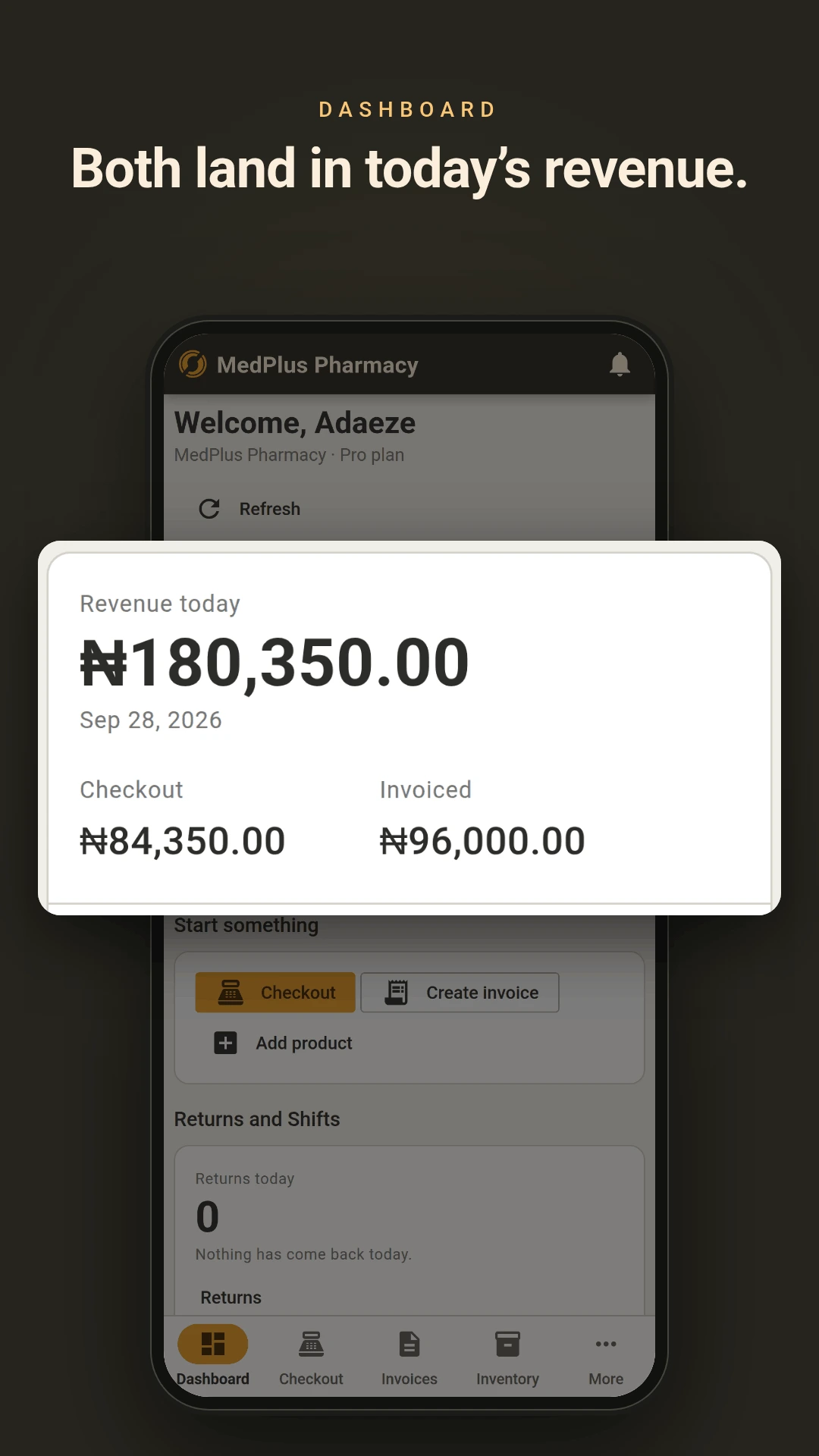
Staff open a work session and close it when they finish. Closing produces a summary broken down by payment method, covering everything that went through during the session across both counter sales and any invoices raised.
Every transaction is attributed to the shift it happened in and the person who processed it. A shift left open is closed automatically after 24 hours.
Worth being straight about the limit: this is a record of what went through, not a cash reconciliation. There is no float entry, no cash counting step and no expected-against-counted variance check. The shift summary tells you what the system says was taken. Comparing that against the drawer is still a manual step.
Stock
Stock moves as you sell, not when you count
Every sale deducts stock at that moment. Stock is held per branch, so the figure you see is the figure at that location rather than a company total that cannot tell you whether the thing in front of you is available.
Stock cannot go below zero. If two tills sell the last unit at the same instant, the first to complete succeeds and the second is told why. A negative figure never appears, so a stock number is never something you have to interpret.
A daily check looks for products running low and raises an alert. Pro and Enterprise accounts also get those by email.
Stock counts and adjustments are recorded against whoever made them. When a figure changes without a sale behind it, there is a name attached.
For products where expiry matters, entering a date at goods receiving switches on batch tracking, and sales then draw from the batch expiring soonest.
More than one location
Branches, from Pro upwards
Stock, prices and discounts are held per branch, so a location can trade at different prices without maintaining a separate product list. Transfer stock between branches with confirmation at the receiving end.
The branch comparison report puts locations side by side. Pro covers two branches, Enterprise up to ten.
Also included
- Purchases and goods receiving, in full or in part, with average cost recalculated per branch on each delivery
- Returns against a specific sale, full or partial, processed by a Manager or Admin rather than at the till
- Invoicing for account customers alongside counter trade, using the same product list and stock
- Cashbook combining entries the system generates with entries you add
- Reports on sales, stock valuation, purchases, branch comparison and staff performance, exporting to CSV or PDF
- Three roles with different access: Admin, Manager and Cashier
Run one till on it first
The free plan covers one user and 50 products. Put your fastest-moving lines in and run a till on it for a week before deciding anything.