
Know what expires before your customer does
OsemFlow tracks stock by batch, deducts the earliest expiry first, and warns whoever is serving when something has gone past its date. Counter sales and hospital accounts run from the same system.
The problem
Expiry is a record-keeping problem before it is a stock problem
Every pharmacy knows which products are close to their date, roughly, for the ones that matter. The trouble is the rest of the shelf.
Stock arrives in batches, and the same product sits behind the counter with three different dates on it. Whether the oldest one goes out first depends on who is serving and how busy it is. When a product does expire on the shelf, you find out during a count, which is usually well after the point at which you could have moved it.
Writing dates in a book works until you have several hundred lines and deliveries arriving weekly.
How it works here
Batch tracking starts when you receive stock
Enter an expiry date when goods come in and that product begins tracking batches. There is no setting to find and switch on. Each delivery after that creates its own batch at that branch, with its own quantity and its own date.
From then on every sale draws from the batch expiring soonest. If a customer buys more than the oldest batch holds, the sale spans into the next one automatically. Nobody has to remember the rule, because it is the only way the system deducts.
Stock past its date produces a warning at the point of sale. It does not block the sale. That decision belongs to the pharmacist, not to the software, and we made a deliberate choice not to override the person standing there.
The system runs a daily check for products approaching expiry and alerts you. Pro and Enterprise accounts get that by email too.
Two kinds of customer
The counter and the account, from one product list
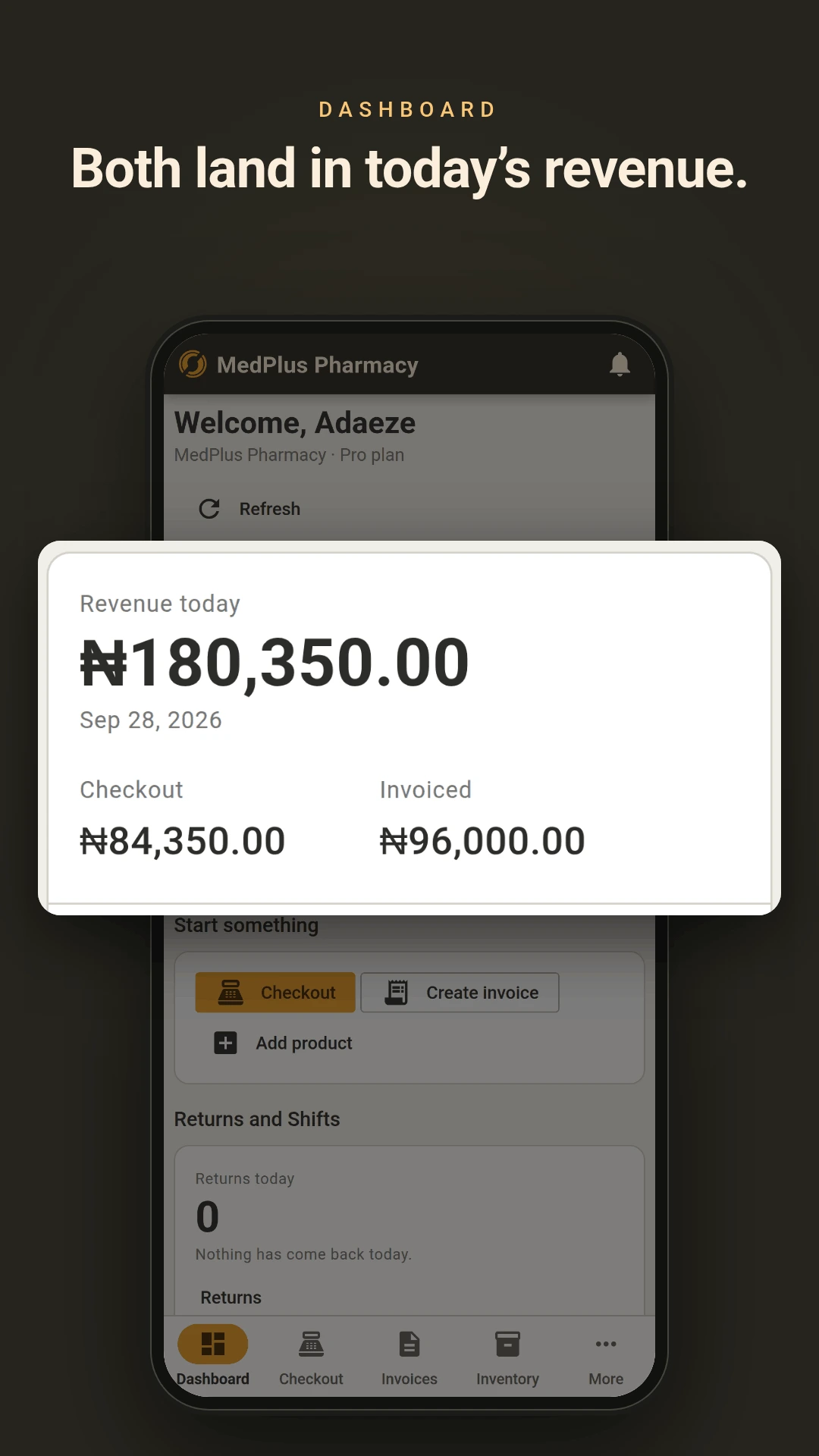
A walk-in buys and leaves. A clinic or hospital orders through the month and settles at the end of it. Those need different handling and most pharmacy software gives you one of them properly.
At the counter
Scan or search, take payment, print the receipt. The sale must be paid in full and exactly to complete, so a till total is never a maybe. Prices cannot be changed at the counter by anyone, including you. The price on the shelf is the price in the system.
On account
Raise an invoice against the named customer with terms from Due on Receipt through to Net 60. Take payment now, later, or in parts. A Manager or Admin can override a line price where a rate has been agreed.
Same stock, same catalogue, same staff logins. The stock deducted for a hospital order comes out of the same batches as the stock sold over the counter, so there is one figure rather than two.
Accountability
Who did what, and when
Every change is recorded against the staff member who made it. A voided sale, a stock adjustment, a price override on an invoice, a return processed. That history is kept for 30 days on the free and starter plans, 90 days on Pro and 180 on Enterprise.
Stock cannot go below zero. Not on a counter sale, not on an invoice, not on a transfer between branches. If two people sell the last pack at the same moment, the first one through succeeds and the second is told why rather than both going through and the figure going negative.
Also included
The rest of it
- Purchases and goods receiving, in full or in part, with average cost per branch recalculated on every delivery
- Low stock alerts on a daily check
- Returns against a specific sale or invoice, full or partial
- Staff shifts with a payment breakdown at close
- Customer balances that maintain themselves, settling oldest invoices first
- Reports on sales, stock valuation, purchases, staff performance and invoice ageing, exporting to CSV or PDF
- More than one branch from the Pro plan upwards, with stock and prices held per location
Start with your fastest-moving lines
The free plan covers one user and 50 products, which is enough to put your busiest shelf into the system and see how the batch tracking behaves before committing anything.