
For the shop that has outgrown the exercise book
You know roughly what you have and roughly who owes you. OsemFlow turns roughly into exactly, without changing how you sell.
The problem
The three books that never agree
Most shops keep records in three places without ever deciding to.
Sales go in a book, or on a till roll, or nowhere at all on a busy afternoon. Stock is in your head, which works well for the fifty things that move and badly for the four hundred that do not. What customers owe is remembered, which works until you are away for a week or until the customer remembers a different figure.
The count is the part everyone dreads. You close early, or count around customers, and by the time you have finished the first aisle the last one has changed.
None of this is disorganisation. It is what happens when the alternative is either a notebook that costs nothing or software priced for a business ten times your size.
How it changes
The stock figure updates itself
Every sale moves stock as it happens. The figure on screen is the figure on the shelf, give or take what walks out the door, and the count becomes a check rather than a discovery.
Stock cannot go below zero. If you are out of something, the system says so instead of letting the sale go through and leaving you with a negative number to explain later.
A daily check flags products running low, so you find out before a customer does.
Stock counts and manual adjustments are still there when you need them, recorded against whoever made the change.
At the counter
Sell the way you already sell
Scan a barcode or search by name. The cart builds with a running total. Take payment in cash, by transfer, or split across both, and the sale completes.
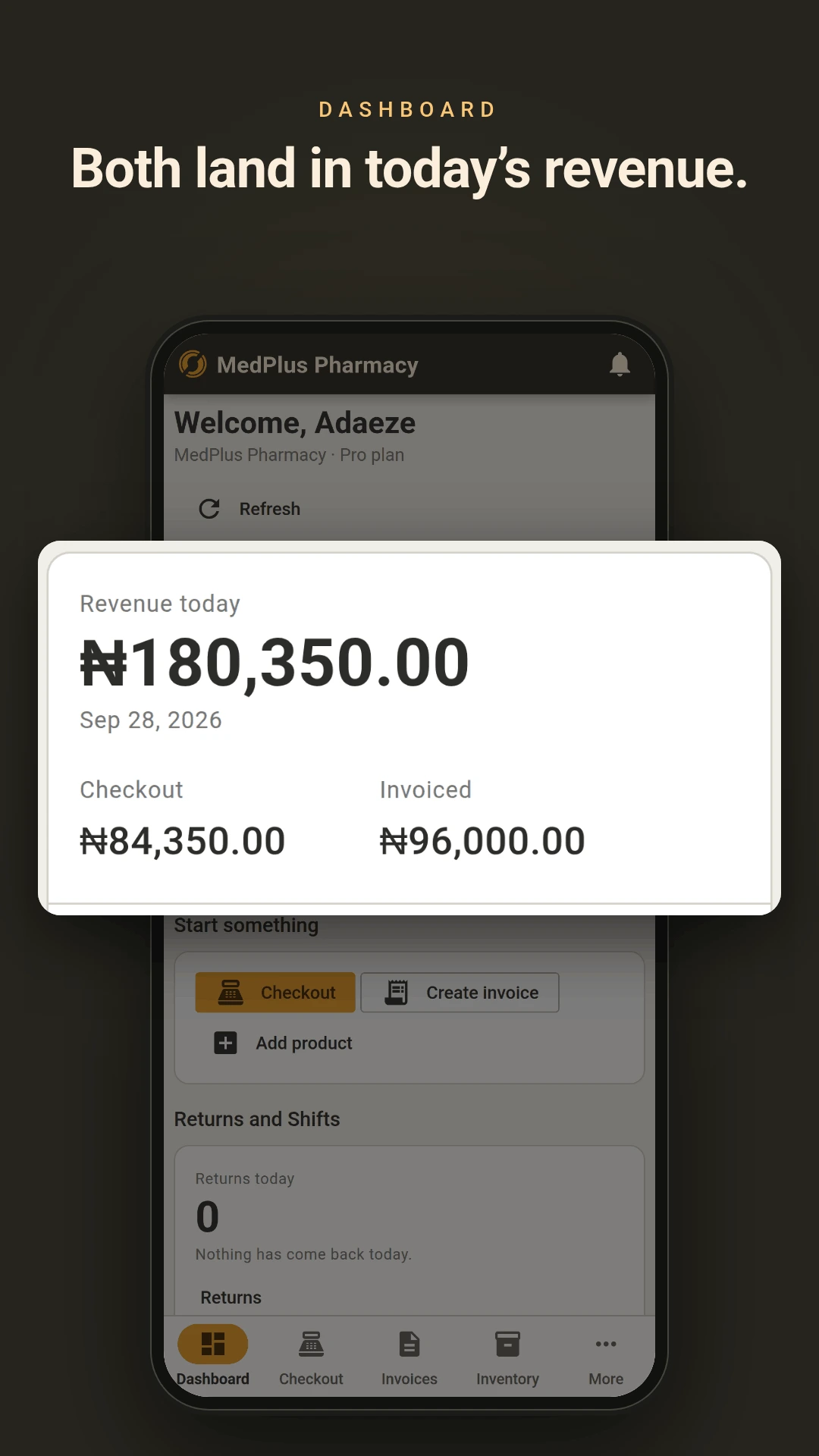
A sale must be paid in full and exactly. There is no half-payment and no leaving something on the counter as owing, which means the day's takings and the day's sales are the same number.
Prices cannot be changed at the counter by anyone, including you. Discounts are set on products beforehand and apply on their own. The price on the shelf is what the customer pays regardless of who is serving, which matters more the moment you have someone else behind the counter.
Customers who owe you
For the regulars who pay later
Some customers take goods and settle at the end of the month. That is normal, and it is where money quietly goes missing.
Raise an invoice against a named customer with terms of Due on Receipt, Net 15, Net 30 or Net 60. The due date works itself out. Payment at the point of issue is optional.
When they pay, record it against the customer and it settles their oldest unpaid invoice first, then the next one. You do not choose which invoice it lands against, and the screen shows you exactly where it went before you confirm. Every allocation is recorded, so a balance in question has an answer rather than an argument.
There is no credit limit in the system. Who gets credit is your decision, not a rule enforced by software that does not know your customers.
Staff
When you are not the one behind the counter
Three roles, with different access.
- Admin
- Admin is you. Everything, including billing, staff, settings, the cashbook, stock adjustments and voids.
- Manager
- Manager handles operations. Products, purchases, discounts, price overrides on invoices, returns and customers. No billing, no staff management, no settings, no cashbook.
- Cashier
- Cashier works the counter. Takes sales, raises invoices, records payments. Cannot change prices, apply discounts, void a sale, process a return or see reports beyond their own shift.
Staff open and close shifts, and closing produces a summary broken down by payment method. Every transaction is attributed to a person.
Every change is recorded against whoever made it, kept for 30 days on the free and starter plans, 90 days on Pro and 180 on Enterprise.
Knowing what works
Which products actually earn
Average cost is recalculated every time you receive goods, per location, so the cost figure reflects what you actually paid across deliveries rather than the price on the most recent one.
Reports cover sales, stock valuation, purchases, staff performance and invoice ageing, and export to CSV or PDF.
Start with what moves fastest
The free plan is one user, 50 products and 10 customers, with no time limit and no card. Put your busiest lines in, sell against it for a fortnight, and decide then.